

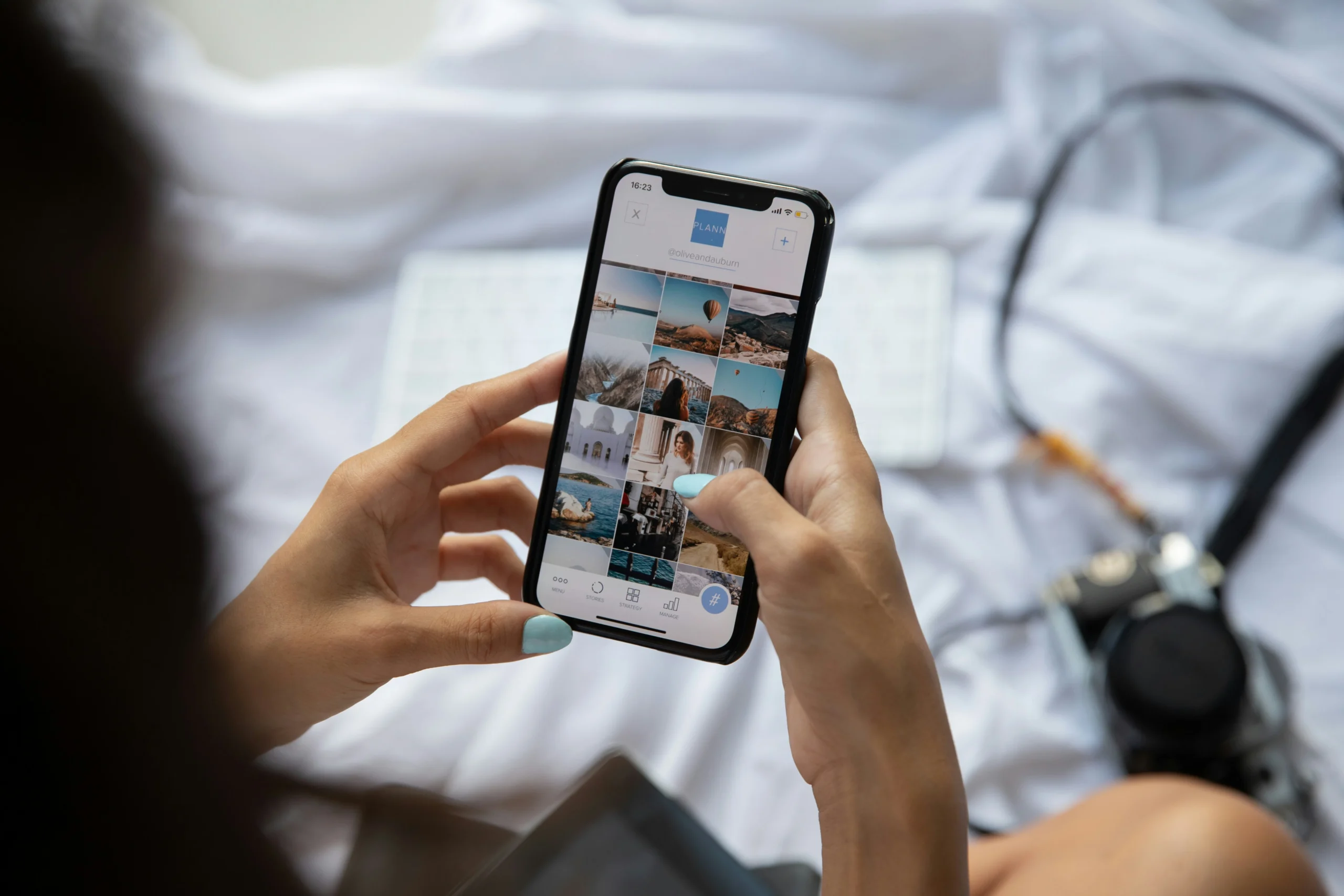
You pick up your phone to check one notification. A few minutes later, you’re reading upsetting headlines, watching another negative video, and scrolling through comments that leave you feeling worse. Before you know it, nearly an hour has disappeared.
Sound familiar?
If you’re wondering how to stop doomscrolling, the good news is that you don’t have to delete every social media app or give up your phone. Small, intentional changes can help you break the cycle.
The key is to recognize what triggers your scrolling, set realistic boundaries, and replace the habit with activities that actually help you unwind.
Whether you find yourself scrolling before bed, checking the news constantly, or reaching for your phone whenever you’re bored, these 10 practical strategies will help you regain control of your time and create a healthier relationship with technology.
What Is Doomscrolling?
Doomscrolling is the habit of repeatedly scrolling through negative news, troubling social media posts, or upsetting online content, even when doing so makes you feel anxious, stressed, or emotionally drained.
To define doomscrolling in simple terms, it’s when you keep consuming negative information online despite wanting to stop.
Why Is Doomscrolling So Hard to Stop?
Doomscrolling can feel surprisingly difficult to control because our attention naturally gravitates toward potential threats and uncertainty.
When something troubling happens in the world, checking for updates may temporarily make you feel more informed or prepared.
But there’s a catch.
Every new headline can introduce another concern, creating the urge to keep searching for answers.
Social media platforms can make this cycle harder to interrupt through endless feeds, personalized recommendations, autoplay videos, and constant notifications.
Over time, checking your phone can become an automatic response to boredom, stress, or discomfort.
That’s why learning to stop doomscrolling isn’t simply about having more self-control. It’s about changing the habits and surroundings that keep drawing you back to your screen.
10 Simple Ways to Break the Habit
The most effective place to begin is with small changes that fit naturally into your daily routine.
You don’t need to try every strategy at once. Choose one or two that address your biggest scrolling triggers, then build from there.
1. Recognize What Triggers Your Doomscrolling
Before you can change a habit, it helps to understand when it happens.
Pay attention to the moments when you automatically reach for your phone.
Do you scroll when you’re bored? When you’re anxious about something? Or when you’re finally relaxing on the couch after a long day?
For the next few days, notice three things:
- When you scroll: Is it first thing in the morning, during lunch, or before bed?
- What you’re feeling: Are you bored, lonely, stressed, or tired?
- How you feel afterward: Do you feel informed and satisfied, or more overwhelmed than before?
You might discover that you’re not necessarily looking for news. You’re looking for a distraction, reassurance, or a way to relax.
Once you identify your triggers, you can choose a different response.
Try this: The next time you catch yourself scrolling, stop and ask, “What made me reach for my phone right now?”
2. Set Realistic Daily Screen Time Limits
One of the simplest ways to stop doomscrolling is to give yourself a clear stopping point.
Without boundaries, five minutes of browsing can easily turn into 45.
Most smartphones have built-in tools that allow you to monitor screen time and set limits for individual apps.
Start with a limit that feels achievable. For example, you might allow yourself 20 minutes to check social media after dinner instead of scrolling throughout the entire evening.
You can also set a timer before opening a news app.
When the timer rings, finish what you’re reading and put your phone down.
The goal isn’t to create strict rules that make you feel restricted. It’s to make your screen time more intentional.
Try this: Choose the app where you spend the most time scrolling and set a daily limit for the next seven days.
3. Turn Off Unnecessary Notifications
Every notification is another opportunity to get pulled into your phone.
A breaking news alert might lead to an article, which leads to related stories, social media reactions, and dozens of comments.
Suddenly, you’ve spent half an hour scrolling without planning to.
To reduce these interruptions, review your phone’s notification settings.
Turn off nonessential alerts from news apps, social media platforms, and other apps that regularly distract you.
You can still keep important notifications from family, friends, work, or your calendar.
Fewer notifications mean fewer reasons to interrupt whatever you’re doing.
Try this: Turn off social media and breaking news notifications for one week. Notice whether you feel less compelled to check your phone.
4. Stop Checking Your Phone First Thing in the Morning
Your morning routine can influence how you approach the rest of your day.
When the first thing you see is a collection of stressful headlines or upsetting posts, you may begin your morning feeling tense before you’ve even gotten out of bed.
Instead of reaching for your phone immediately, create a short screen-free morning routine.
You don’t need an elaborate wellness routine. Even 10 minutes without your phone can create a calmer start.
Try this: Keep your phone away from your bed and wait at least 15 minutes after waking before checking social media or the news.
5. Create a Phone-Free Bedtime Routine
If you regularly find yourself scrolling late into the night, your evening habits may need a little attention.
Doomscrolling before bed can be especially draining because upsetting content may leave you mentally alert when you’re trying to relax.
A useful way to break the pattern is to create a gentle boundary between phone time and bedtime.
Choose a time to put your phone away, ideally 30 to 60 minutes before you plan to sleep.
Then replace scrolling with something calming.
You might read a few chapters of a book, take a warm shower, listen to relaxing music, or simply enjoy some quiet time.
Try this: Create a cozy bedside setup with a book, soft lighting, and a notebook so you have something relaxing to reach for instead of your phone.
6. Unfollow Accounts That Trigger Negative Scrolling
Sometimes, the problem isn’t how often you use social media. It’s what you’re seeing when you open it.
If your feed is filled with alarming headlines, heated arguments, or content that consistently makes you feel distressed, consider changing what appears on your screen.
Unfollow, mute, or hide accounts that repeatedly pull you into negative scrolling.
You can also adjust content preferences and mark unwanted recommendations as uninteresting when the platform allows it.
This doesn’t mean ignoring important issues.
It simply means being more intentional about how much distressing content you consume.
Try this: Mute five accounts that regularly leave you feeling frustrated or anxious.
7. Replace Doomscrolling With Relaxing Activities
One of the biggest mistakes people make when trying to stop doomscrolling is focusing only on what they need to avoid.
If scrolling has become your go-to activity whenever you have a spare moment, removing it can leave an uncomfortable gap.
That’s why finding enjoyable alternatives matters.
The best replacement activities are simple, accessible, and appealing enough that you’ll actually want to do them.
For example:
- Read a few pages of your book.
- Take a short walk around your neighborhood.
- Try a crossword puzzle or word game.
- Make a cup of herbal tea.
- Journal about your day.
- Work on a creative hobby.
- Call a friend.
- Spend a few minutes stretching.
Choose activities that match your energy level.
Try this: Make a list of five screen-free activities you enjoy and keep it somewhere visible.
8. Schedule Specific Times to Check the News
Staying informed is important, but that doesn’t mean you need to follow every update as it happens.
Constantly refreshing the news can create the feeling that you must always be connected to avoid missing something important.
Instead, choose specific times to catch up.
You might check the headlines for 15 minutes after breakfast and again briefly in the afternoon.
Focus on a small number of reliable news outlets rather than scrolling through an endless feed of reactions and speculation.
Once you understand the main developments, give yourself permission to move on with your day.
You can care about what’s happening in the world without consuming upsetting information every waking hour.
Try this: Replace repeated news checks with one planned daily news session.
9. Use the Pause-and-Ask Technique Before Opening an App
Sometimes, all it takes to interrupt automatic scrolling is a brief pause.
Before opening a social media or news app, ask yourself:
“Why am I picking up my phone right now?”
Maybe you want to message someone, look up a recipe, or check a specific update.
Those are clear reasons.
But if your answer is simply “I don’t know” or “I’m bored,” pause for a moment before opening the app.
Ask yourself whether scrolling is really what you want to do.
You might realize you’d rather stretch, grab a snack, or take a short break without looking at a screen.
This small check-in can help you move from automatic scrolling to intentional phone use.
Try this: Move your most distracting apps off your home screen so you have an extra moment to reconsider opening them.
10. Start Small and Build Healthier Digital Habits
Breaking a scrolling habit doesn’t require a perfect routine.
In fact, making too many changes at once can feel overwhelming and difficult to maintain.
Instead, choose one achievable goal.
Perhaps you’ll stop checking the news in bed, turn off social media notifications, or keep your mornings phone-free.
Once that change becomes easier, introduce another.
If you spend an evening doomscrolling after a stressful day, don’t treat it as a reason to abandon your progress.
Notice what triggered the behavior and decide what you’ll try differently next time.
The goal is not to eliminate every minute of unnecessary screen time.
It’s to feel more in control of when, why, and how you use your phone.
Try this: Pick just two strategies from this list and practice them consistently over the next week.
How to Stop Doomscrolling at Night
Nighttime doomscrolling deserves special attention because it can interfere with the quiet moments when your mind and body need to unwind.
You might climb into bed feeling tired, open your phone for a quick look, and suddenly find yourself wide awake reading upsetting stories.
Why Doomscrolling Gets Worse Before Bed
For many people, bedtime is the first quiet moment after a busy day.
There are fewer responsibilities competing for attention, which makes it easy to lose track of time.
Scrolling may also feel like a reward after a long day, even if the content you’re consuming isn’t enjoyable.
The problem is that disturbing news, emotional discussions, and endless recommendations can keep your attention engaged when you’re trying to fall asleep.
And when your phone is within reach, it’s easy to repeat the cycle.
Signs Doomscrolling Is Affecting Your Mental Well-Being
Consider adjusting your habits if you notice that:
- You feel anxious or hopeless after checking social media.
- Negative headlines stay on your mind long after you close an app.
- You struggle to concentrate because you keep checking for updates.
- You stay awake later than planned while scrolling.
- You feel emotionally exhausted after spending time online.
- You’re missing activities or conversations you previously enjoyed.
These signs don’t automatically mean you have a mental health condition, but they can indicate that your scrolling habits deserve attention.
Frequently Asked Questions About Doomscrolling
1. What Is Doomscrolling, and Why Do People Do It?
Doomscrolling is repeatedly consuming negative news or distressing online content, often even when it makes you feel worse. People may doomscroll because they want to stay informed, feel prepared for uncertainty, or distract themselves from uncomfortable emotions. Endless feeds and frequent notifications can make the habit especially difficult to interrupt.
2. How Do I Stop Doomscrolling Immediately?
To stop doomscrolling immediately, close the app, put your phone somewhere out of reach, and switch to a simple activity such as walking, stretching, or reading. Turning off notifications and setting app limits can also help prevent you from returning to the same scrolling cycle.
3. Why Can’t I Stop Doomscrolling Even When I Want To?
Doomscrolling can become an automatic habit because negative information attracts attention and social media feeds offer few natural stopping points. You may also feel that checking one more update will reduce uncertainty. Recognizing these triggers and creating small barriers to scrolling can make it easier to stop.
4. How Do I Stop Doomscrolling Before Bed?
To stop doomscrolling before bed, set a phone cutoff time 30 to 60 minutes before sleep, charge your device away from your bed, and replace scrolling with calming activities. Reading, journaling, or listening to relaxing music can help create a more restful nighttime routine.
5. Can Mindless Scrolling Lead to Depression?
Frequent doomscrolling has been associated with higher levels of depression, anxiety, and psychological distress, but research hasn’t established that scrolling directly causes depression. The relationship may work both ways. If scrolling consistently affects your mood, reducing exposure may help, while ongoing symptoms deserve professional attention.
6. How Long Does It Take to Break a Doomscrolling Habit?
There is no universal timeline for breaking a doomscrolling habit. Some people may notice changes in their routines within days, while established habits can take longer to change. Consistently practicing small steps, such as setting app limits and choosing offline alternatives, is more useful than expecting immediate results.
7. Can I Stop Doomscrolling Without Deleting Social Media?
Yes. You can stop doomscrolling without deleting social media by limiting your time on apps, turning off unnecessary notifications, muting negative accounts, and scheduling specific times to check updates. If one platform remains particularly difficult to manage, taking a temporary break may also help.
Final Thoughts: How to Stop Doomscrolling for Good
Learning how to stop doomscrolling isn’t about avoiding the news, ignoring the world, or giving up social media completely.
It’s about making intentional choices that protect your time, attention, and emotional well-being.
Start by recognizing your triggers. Set realistic screen time boundaries, turn off distracting notifications, and create a relaxing bedtime routine that doesn’t revolve around your phone.
Most importantly, find small activities that make your offline moments feel enjoyable again.
You don’t have to change everything in one day.
Choose one simple habit to start today, and build from there.
Because sometimes, the most refreshing thing you can do isn’t find another update.
Put your phone down and enjoy the moment you’re already in.